Vet Answering Line

Answering Service for Veterinarians, Day and Night

Our answering service for veterinarians gives pet owners a calm response when your clinic is busy or closed. Hear your AI receptionist handle an appointment request or follow your clinic's urgent call instructions in the browser demo.

Help worried pet owners take the next step, from booking a visit to reaching your on-call vet.

Try a pet owner's call Request your free trial

Free trial: 14 days, up to 100 minutes (on request).PrivacySecurity

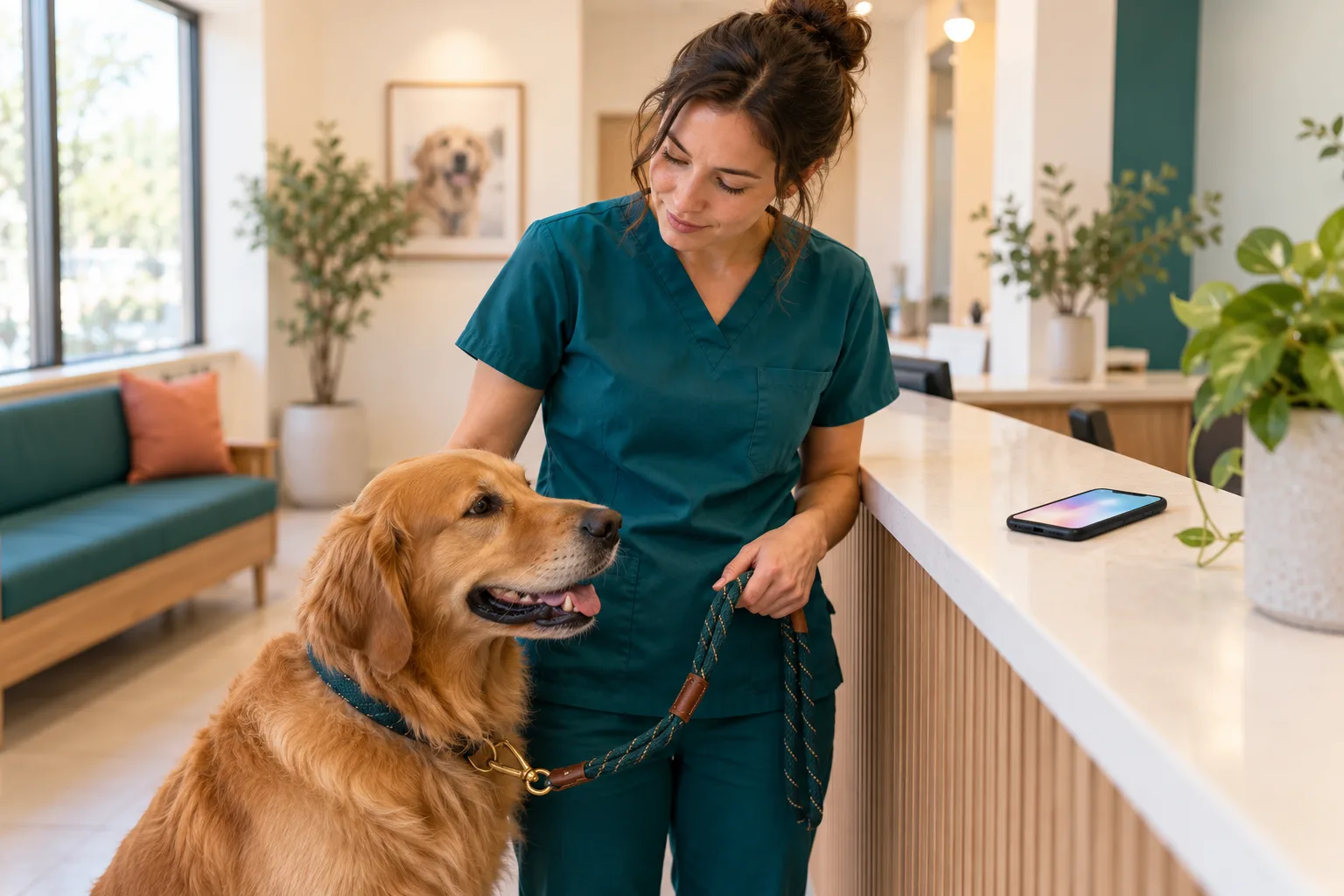
A veterinary technician at a clinic front counter gently holding a calm golden retriever on a leash
Illustration
  • Urgent1:52 a.m.

    Dog ate chocolate.

    Sent to the nearest emergency vet now and gave ASPCA Animal Poison Control (888-426-4435, a fee may apply). On-call vet alerted.

  • Booked9:26 a.m.

    Boarding booking.

    Appointment booked: Monday, 2 to 4 p.m. (example time). See the summary for the confirmation.

  • Normal9:26 a.m.

    Post-surgery question.

    Message taken for the clinic, with the caller number.

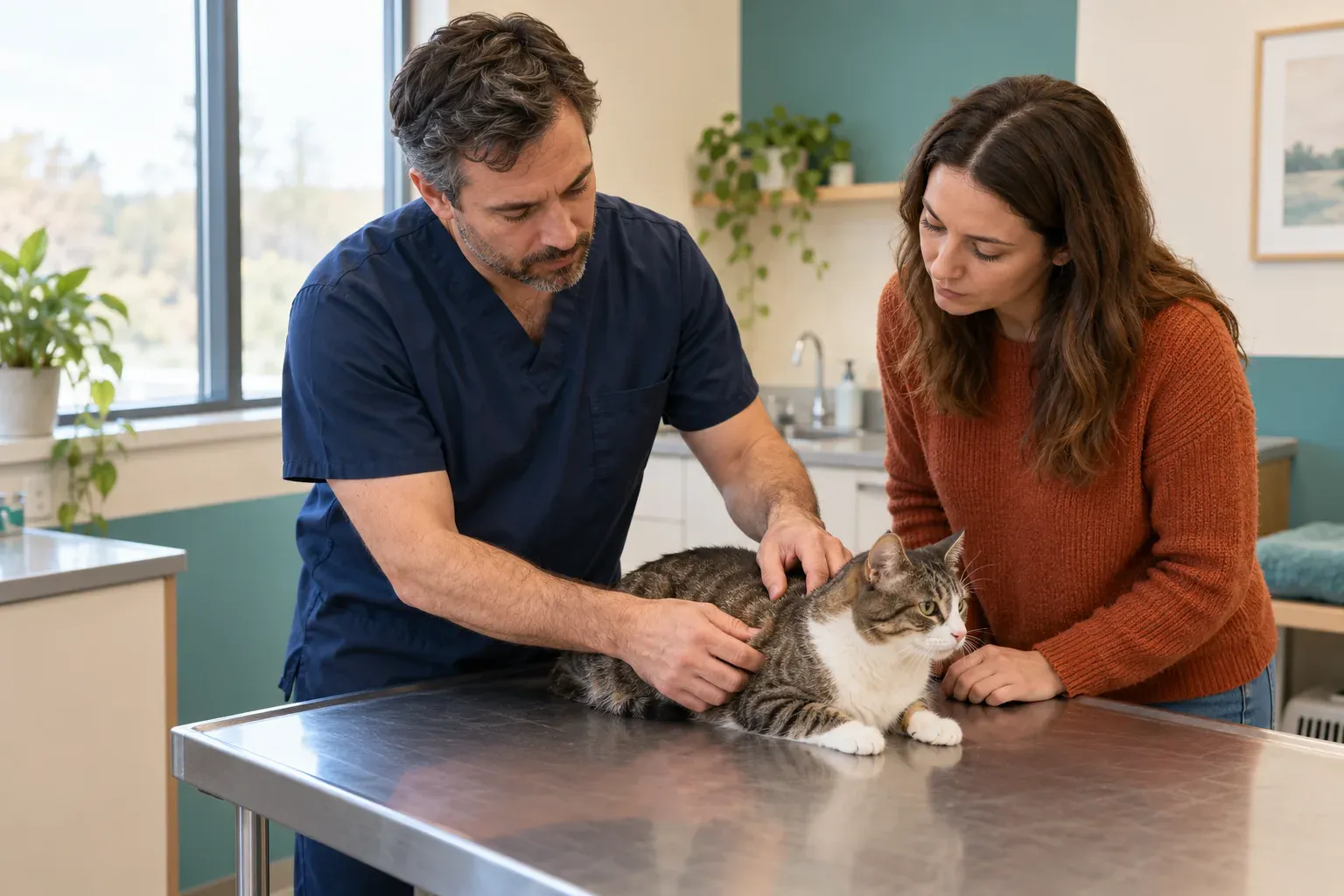
A veterinarian examining a cat on an exam table while the owner watches

Keep calls moving during exams, lunch and closed hours

Your receptionist can answer forwarded calls while your staff helps the animals in front of them. A missed appointment request can mean an unfilled slot; an urgent concern needs clear routing.

  • Busy front deskCollect caller details while your team checks in another patient.
  • Lunch coverageTake appointment requests when staff step away from the phones.
  • Closed clinicGive callers your after-hours instructions and route urgent concerns.
Show more

Calls can reach your receptionist during a packed vaccination day, a long consultation or the lunch break. You choose whether to forward all calls or only calls that arrive after hours, go unanswered or find your line busy.

A pet owner asking about boarding needs different handling from someone reporting breathing trouble. Your clinic sets the questions, urgency rules and contact order so the receptionist can follow the right path. It does not diagnose or recommend treatment.

A delayed callback can leave an appointment request unresolved or send an owner looking elsewhere. Start with the hours that stretch your front desk, then review the messages to decide whether broader coverage would help.

Collect pet details, flag urgency and send a clear message

The AI receptionist asks your clinic's intake questions, records the caller's concern and flags urgency using your rules. You receive a summary, urgency tag, transcript and recording by email and app push notification.

  • Useful intakeAsk for the owner's concern and the details your clinic requests.
  • Urgent routingOffer a warm transfer or page using your on-call order.
  • Clear handoffSend the conversation record so your team can review the request.
Show more

Your receptionist works from the services, hours and instructions you supply. For an appointment inquiry, it can collect the owner's contact details and reason for the visit, then book into Google Calendar or leave a callback request. For a refill request, it takes a message for your team to review.

Urgent concerns follow the route you set. During a warm transfer, your on-call person hears a short summary and presses 1 to accept. You can choose a page instead and define who is contacted first.

The receptionist does not give medication or dosing advice. For toxin exposure, trauma, bloat or breathing trouble, it directs owners to the nearest emergency vet now. For toxin concerns, it also directs them to ASPCA Animal Poison Control.

Try a boarding call, a refill request or an urgent concern

The browser demo below lets you hear how the receptionist handles a fictional veterinary clinic's calls. Listen for its intake questions, recording notice and response when an owner describes an urgent concern.

  • Routine requestsAsk about boarding or a refill and hear which details it collects.
  • Worried ownersTry a vomiting cat or a question after surgery.
  • Urgent concernsDescribe chocolate ingestion or an after-hours emergency and hear the routing.
Show more

Choose a scenario and speak as the pet owner to test the receptionist's response. The demo uses a fictional business, so use invented names and details. You can hear the greeting, try a follow-up question and check what the owner would receive afterward.

For a boarding request, listen for useful booking questions. With a post-surgery concern, check that the receptionist leaves clinical advice to the veterinary team. In the chocolate scenario, listen for emergency vet and poison control guidance.

These calls let you assess the conversation before setting your own clinic's rules. Open the veterinary call demo to explore the scenarios and inspect the resulting summary, transcript and recording.

Practice business (made up): Cedar Hollow Animal Hospital

First select a call, then press Talk to it.

SampleUrgent1:52 a.m.

Call received for Cedar Hollow Animal Hospital

Dog ate chocolate.

Sent to the nearest emergency vet now and gave ASPCA Animal Poison Control (888-426-4435, a fee may apply). On-call vet alerted.

Transcript excerpt (example)

  1. Assistant Thank you for calling Cedar Hollow Animal Hospital. I am a virtual assistant, and this call is recorded. How can I help you?
  2. Caller Tells the assistant: dog ate chocolate.
  3. Assistant Please contact the nearest emergency vet now, and call ASPCA Animal Poison Control at 888-426-4435; a fee may apply. I am alerting the on-call vet as well.

Full transcript and recording are in the dashboard.
Example of what the owner receives after a call like this.

Forward your number, then receive messages and bookings

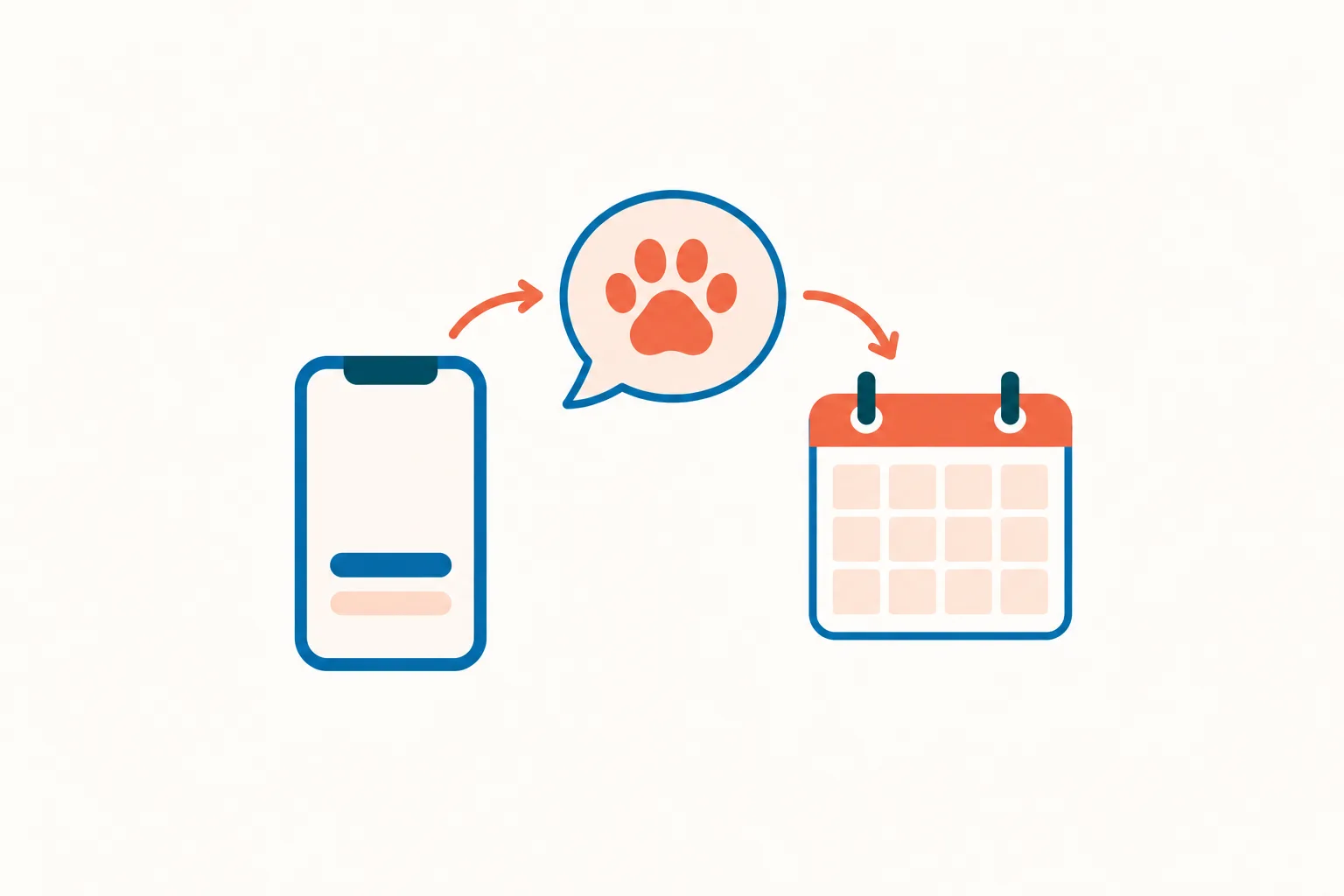
You keep your clinic's number and forward the calls you want us to answer. The AI receptionist answers as your business, follows your instructions and sends the call details to you.

Illustration: a phone, an AI bubble with a paw print, a calendar square
  • Choose coverageForward all calls or select busy, unanswered or after-hours calls.
  • Set instructionsTell the AI your services, hours, intake questions and urgent contacts.
  • Receive resultsReview email and app push alerts, appointment details and a daily digest.
Show more

We provide a local number and a forwarding guide for your carrier or phone system. Your onboarding chat covers what your clinic offers, what it does not offer, your hours and who should receive urgent calls. Your website also helps the receptionist learn your business.

Once forwarding is active, your veterinarian answering service handles the selected calls day and night. Appointments can go into Google Calendar; if your team prefers to arrange them, the receptionist takes the details for a callback.

Call records, recordings, transcripts and usage are available in the dashboard. You can change settings by telling the AI in plain words. See the setup and call flow before choosing your forwarding schedule.

Mock dashboard with made-up calls

Compare AI, live answering and voicemail for your clinic

AI suits calls that follow your clinic's instructions; a live receptionist brings a person's judgment to the conversation. Voicemail collects a recording for later review. Choose based on the response your callers need.

  • AI receptionistCollect structured details and follow the urgent contact order you provide.
  • Live answeringConsider the value of a person handling unexpected or emotional conversations.
  • VoicemailKeep a recording option when your team can return calls later.
Show more

Choose a veterinary answering service by testing the calls your staff actually receives. A routine boarding inquiry may follow a clear set of questions. An anxious owner with several concerns may need a person's judgment and a careful conversation.

Our receptionist uses your instructions to take details, book appointments or route urgency. A live answering team can bring human discretion, and your own front desk knows the daily context inside your clinic. Voicemail can serve as a fallback when a later callback is appropriate.

Compare what happens after the greeting: which questions get asked, how an urgent message reaches you and what your staff must enter afterward. Use the same fictional caller story when assessing each option.

Compare call costs, then check our monthly plan

Compare a call's cost by considering both the answering arrangement and your staff's follow-up time. Our plan is $249 monthly with 500 AI minutes included and $0.20 per extra minute.

  • Call lengthInclude time spent gathering details when estimating your likely AI usage.
  • Staff timeConsider the work left after a call becomes a message.
  • Plan termsReview included minutes, extra usage and future free trial terms before forwarding.
Show more

A per-call estimate starts with the calls you expect: short opening-hours questions, longer boarding inquiries and urgent conversations that need a handoff. Our plan uses AI minutes, so the number of calls alone does not describe your usage. Review your dashboard as you test with real calls.

For live answering, check the provider's billing unit and what handling is included. For an employee, consider the hours you need covered and the other work they perform. With voicemail, consider your team's callback time alongside the phone arrangement.

The free trial lasts 14 days, capped at 100 minutes. Read our plan and trial terms before deciding which calls to forward.

Our plan

$249 monthly

  • 500 AI minutes included
  • $0.20 for each extra minute
  • Free trial: 14 days, up to 100 minutes (on request)
  • Month to month, cancel online

Case-study price: $199 per month, locked for 12 months, for 10 businesses that agree to a short case study about their results.

Request your free trial

Extras

  • Website chatOptional
  • Lead follow-up callsOptional

Use call summaries alongside your practice software

Your team can enter call summaries into the practice software it already uses. Direct software connections are not live yet. Appointment booking is available in Google Calendar, or you can choose callback requests.

  • Keep your workflowReview the call summary before entering details into your practice system.
  • Choose bookingUse Google Calendar or have your team arrange the appointment by callback.
  • Review the recordCheck the transcript or recording when a message needs more context.
Show more

If your clinic uses ezyVet, AVImark, Cornerstone, Vetspire, Shepherd, Digitail or Vetstoria, plan for your staff to enter the relevant call information. We send the summary and conversation record; your team decides what belongs in the patient or appointment record.

Google Calendar booking is available for clinics that choose that workflow. If your appointment book stays in your practice system, use callback requests so staff can review the request and arrange the visit there.

Direct connections are planned according to demand. Tell us which workflow matters to your clinic, and assess the service using what is available today. Check the current software connection status when planning your handoff process.

Set your clinic's rules and test before forwarding calls

Setup begins with an onboarding chat about your clinic and a test call before you go live. Check the greeting, intake questions and urgent handoff before you send callers to the receptionist.

  • Describe your clinicShare services, hours, price policies and the questions staff need answered.
  • Name urgent contactsSet your on-call order and choose warm transfers or pages.
  • Make a test callCheck routine requests and urgent routing before enabling forwarding.
Show more

Request a free trial by email; we'll send your sign-in link when your trial is ready. Then use the email sign-in link and answer the AI's onboarding questions. You supply your website, explain which services you offer and set instructions for routine and urgent calls. Decide whether the receptionist should book in Google Calendar or collect callback details.

Use the forwarding guide for your carrier or phone system and make a test call. Act as a new pet owner, ask a question about your hours and try the urgent route with your on-call contact ready. Review the resulting message for missing details.

A card is required before call forwarding goes live. You can adjust instructions in plain words through the AI as you review your test, then choose the coverage hours that suit your clinic.

Ask how calls, urgent handoffs and records are handled

Ask any answering service to demonstrate routine intake, urgent routing and the records your staff receives. Then check disclosure, booking limits, billing and cancellation so you understand the work your clinic will retain.

  • Test the conversationAsk what happens when an owner requests advice outside the instructions.
  • Check urgent handlingFind out who gets contacted and how they accept a transfer.
  • Review your obligationsCheck message review, record handling, usage terms and cancellation steps.
Show more

Ask who sets the urgency rules, how the service handles an unavailable contact and what your backup route should be. Have the provider show you a sample summary and explain how your staff receives it. Ask whether booking happens in your appointment system or leaves a task for your team.

For an AI receptionist, hear the actual greeting and ask what the caller is told about AI and recording. Check how to correct instructions when your hours or on-call schedule change.

Ask us those questions too. Our browser demo lets you examine a fictional call; request a free trial to test your own settings. Review the records and keep a backup way for your clinic to be reached.

Questions and answers

How does the AI receptionist answer for our veterinary clinic?

You give the receptionist your clinic's details through an onboarding chat and your website. Once you forward selected calls, it answers as your business, asks your intake questions and follows your routing instructions. You can review the resulting messages and change settings in plain words.

Does it triage emergencies or give medical advice?

It flags urgency using your clinic's rules, without diagnosing or giving medication or dosing advice. For toxin exposure, trauma, bloat or breathing trouble, it directs the owner to the nearest emergency vet now. For toxin concerns, it also directs them to ASPCA Animal Poison Control.

Can it book appointments for our clinic?

Your receptionist can book appointments into Google Calendar using the instructions you provide. If your team manages appointments in practice software, choose callback requests instead. The receptionist collects the caller's details, and your staff can review the request before arranging a visit.

Can it take prescription refill requests?

It can take a refill request message and collect the details your clinic asks for. Your veterinary team reviews the request and handles the clinical decision. The receptionist does not approve a refill or tell an owner how to change a pet's medication.

Will callers know it is AI, and are calls recorded?

The greeting tells callers that they are speaking with a virtual assistant and that the call is recorded. Those notices cannot be switched off. You receive a transcript and recording with the call record, so your team can review what the owner said.

Can we keep our clinic's current phone number?

Yes. You keep your existing number and use call forwarding to send selected calls to your receptionist. We provide a local number and a forwarding guide for your carrier or phone system. Make a test call before forwarding your chosen real calls.

How does an urgent call reach our on-call person?

You choose warm transfer or paging and set the contact order. With a warm transfer, your on-call person hears a short summary first and presses 1 to take the call. Test that route with your contact before relying on it for clinic coverage.

Where do messages go after a call?

We send an email and app push notification with a summary, urgency tag, transcript and recording for each call. A daily digest email helps you review activity. The dashboard also holds call records, usage and settings for your team to check.

Can pet owners speak Spanish?

Yes. Your receptionist speaks English and Spanish, and callers can switch languages during the conversation. Try a Spanish appointment or boarding inquiry in the demo to assess the interaction. Your clinic's instructions still determine the intake questions and how urgent concerns are routed.

Can we try it before paying for a month?

You can try the browser demo without signing up, then request a free trial. Your free trial lasts 14 days, capped at 100 minutes. A card is required before forwarding goes live. Then test your clinic's instructions, messages and on-call route during the trial, and cancel online if needed.

Hear how a worried pet owner's call is handled

Use fictional pet details to try the demo. Request a free trial; we'll email your sign-in link when it's ready so you can set your clinic's hours, booking preferences and urgent contacts.

Try a worried owner's call Request your free trial