Veterinary After Hours Answering Service for Nights and Weekends
Our veterinary after hours answering service answers as your clinic when your doors are closed. It follows your urgent-call rules and records routine requests for your team. Try an overnight scenario in the browser demo, then request a free trial.
Try a worried owner's call Request your free trial
Free trial: 14 days, up to 100 minutes (on request).PrivacySecurity
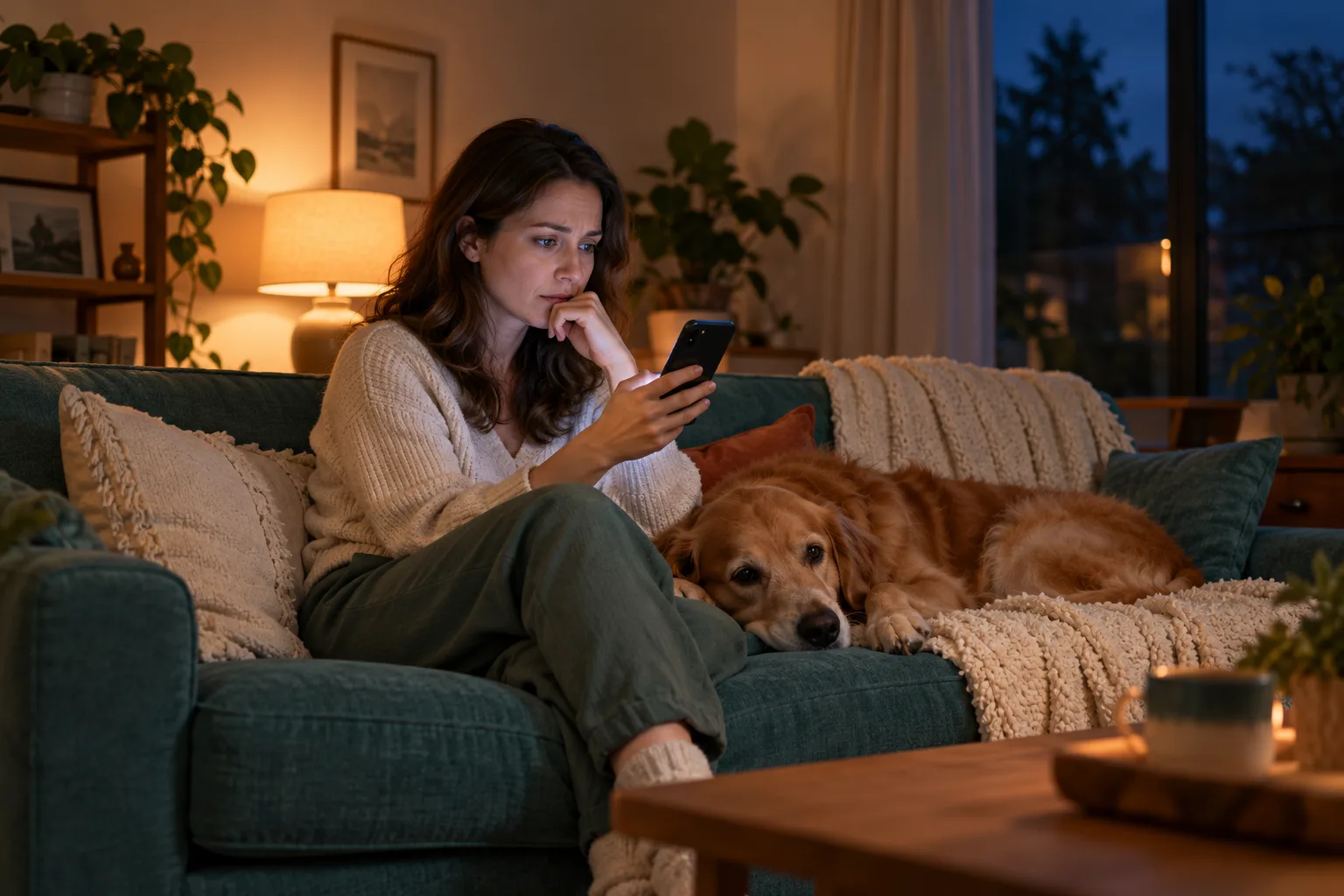
What pet owners call about after closing
After closing, owners call about urgent concerns, appointments, boarding and refill requests. Your receptionist gathers the reason for calling so your clinic can separate urgent routing from morning callbacks.
- Appointment requestsCollect the owner's details and reason for the visit before opening.
- Refill messagesRecord the request for your team to review during clinic hours.
- Urgent concernsFollow your clinic's instructions for emergency guidance and on-call contact.
Show more
Your receptionist takes nighttime calls about your clinic's services, from boarding dates to a question after surgery. You teach it your hours, intake questions and urgent-call rules during onboarding. It asks for the details your team needs rather than treating each caller as an appointment request.
A worried owner can describe what prompted the call in English or Spanish. The message gives your morning team context for the callback, while urgent concerns follow the route you set. An after hours vet answering service should reflect how your clinic actually works: which requests wait for opening, who receives urgent calls and what owners hear when they need emergency care.
Which calls go to emergency care or your morning team
Your clinic sets the routing rules: urgent concerns follow your emergency instructions, while routine requests become messages for opening. You choose the on-call contacts and the order in which they receive urgent calls.
- Clinic rulesDefine urgency and tell your receptionist who should receive urgent calls.
- On-call handoffYour contact hears a short summary before accepting the warm transfer.
- Morning callbacksRoutine requests arrive with caller details and a written call summary.
Show more
Your receptionist uses the urgency instructions you provide to decide how to handle an overnight call. A boarding inquiry can become a message for the morning team. A concern covered by your urgent rules can trigger a warm transfer or a page to your designated contact.
During a warm transfer, your on-call person hears a short summary and presses 1 to accept. You set the contact order and should review it when coverage changes. The receptionist flags urgency without diagnosing a pet, recommending medication or giving dosing advice. Test the distinction between a routine message and an urgent handoff using our emergency routing guide as your setup reference.
How owners hear the emergency vet instructions
Owners reporting toxin exposure, trauma, bloat or breathing trouble are directed to the nearest emergency vet now. Your clinic supplies its emergency instructions so callers hear a clear next step after closing.
- Emergency directionTell owners with specified urgent concerns to seek emergency veterinary care.
- Clinic instructionsProvide your overnight referral details during setup and review them regularly.
- Recorded contextYour team receives the caller's account alongside the urgency tag.
Show more
Your receptionist directs owners with the specified emergency concerns to the nearest emergency vet now. It uses the emergency information you supply, so review the wording and referral details before forwarding your overnight calls. Keep those instructions current when your clinic's arrangements change.
Treat an emergency referral as a direction to seek care, not confirmation that another hospital has accepted the patient. The receptionist does not check another facility's current capacity. In your test call, listen for the care instruction and check that your own team receives the call summary. Owners should hear what to do next without a promise about a receiving hospital's availability.
Poison calls and ASPCA Animal Poison Control
For a reported toxin exposure, your receptionist directs the owner to an emergency vet now and provides ASPCA Animal Poison Control at 888-426-4435. A fee may apply for poison control assistance.
- Prompt directionReported toxin concerns receive emergency veterinary guidance rather than morning-only handling.
- Poison controlGive owners ASPCA Animal Poison Control's number and mention the possible fee.
- Useful messageCapture what the owner reports for your clinic's follow-up review.
Show more
Poison calls receive a direction to seek emergency veterinary care and the ASPCA Animal Poison Control number, 888-426-4435. A fee may apply. Your receptionist records the owner's account for your clinic, including the substance they name and any details they share during intake.
You can hear this approach in the fictional dog-ate-chocolate scenario in the poison-call demo. Listen for the emergency direction, the poison control information and the message captured for the clinic. The scenario lets you assess the wording before using the service on your own number. It demonstrates call handling, rather than an assessment of whether a particular exposure is safe.
Messages your opening team can review
Your opening team gets call summaries, urgency tags, transcripts and recordings through email and app push notifications. A daily digest email helps you review overnight requests alongside individual call alerts.
- Callback detailsKeep the caller's request and contact information together for the morning team.
- Call recordsReview the transcript and recording when a summary needs more context.
- Daily digestRead the overnight call recap before working through your clinic's callbacks.
Show more
Your receptionist sends an email and app push notification for each call, with a summary, urgency tag, transcript and recording. The dashboard holds those call records for your team to review. A daily digest email gives you another way to work through requests received while the clinic was closed.
At opening, your team can review a refill message, return an appointment inquiry or check what happened on an urgent call. Your staff decide the clinical response and enter any needed details into your practice software. Direct practice-software connections are not live. If you prefer callbacks to calendar bookings, set that preference so the receptionist collects appointment details for your team.
Choose after-hours, overflow or full call coverage
You can forward only after-hours calls, add busy or unanswered calls, or forward all calls. Choose the coverage that fits your front desk, then test the forwarding route before going live.
- After-hours onlyKeep your daytime answering routine and forward calls when the clinic closes.
- Busy or unansweredLet calls reach your receptionist when the front desk cannot answer.
- All callsHave your receptionist answer forwarded calls day and night as your clinic.
Show more
Call coverage depends on how you forward your clinic number. After-hours forwarding suits a clinic that wants its front desk to handle daytime conversations. Busy or no-answer forwarding also lets your receptionist take calls when staff are occupied. Full forwarding sends your calls to the receptionist day and night.
We provide a local number and a guide for your carrier or phone system, followed by a test call before launch. Your existing clinic number stays the number owners dial. Start with the forwarding and setup steps to see the sequence. If your plan lapses, calls route to your backup number or voicemail. Keep that backup destination current alongside your overnight contact instructions.
Questions and answers
Can I keep my clinic's number for after-hours calls?
Yes. Owners can keep dialing your existing clinic number while you forward after-hours calls to the local number we provide. You receive a forwarding guide for your carrier or phone system. Make a test call before forwarding calls to check that the closed-hours route reaches your receptionist.
Will owners know they are speaking to AI?
Yes. Your receptionist says it is a virtual assistant and that the call is recorded at the beginning of each call. That disclosure cannot be switched off. You can hear the greeting in the browser demo before deciding how the service fits your clinic's overnight answering routine.
Can it transfer an urgent overnight call to me?
Yes. You choose the urgent-call rules, contacts and contact order. Your receptionist can warm transfer the call or page your on-call person. For a warm transfer, you hear a short summary first and press 1 to accept, giving you context before speaking with the owner.
Can it take refill requests without approving medication?
Yes. Your receptionist can take a refill request as a message for your clinic to review. It records the information gathered under your intake instructions and sends the call record to your team. Approval and clinical decisions stay with your practice, rather than being made on the answering call.
What happens to appointment requests made at night?
You choose whether the receptionist books appointments into Google Calendar or gathers details for your callback. For a clinic that reviews requests at opening, the caller's message becomes part of the overnight call records. Your staff can then contact the owner using the details collected during the call.
Does the receptionist speak Spanish after hours?
Yes. Your receptionist speaks English and Spanish, and an owner can switch languages during the call. It uses your clinic's information and routing rules while gathering the request. Try switching languages in the browser demo to hear how that conversation works before setting up your overnight coverage.
How can I try it before forwarding our calls?
Start with the browser demo, which requires no signup and uses a fictional clinic. Your free trial gives you 14 days, capped at 100 minutes, to assess your clinic's setup. A card is required before forwarding goes live. Onboarding gathers your clinic's information, and you make a test call before forwarding calls.
Can I cancel if our overnight arrangements change?
Yes. The service is month to month, and you can cancel online in one click. Cancellation takes effect at the end of the paid month. Review your forwarding and backup destination when changing coverage so the phone route matches the overnight answering arrangements you intend to use.
Try an after-hours call in the demo
Call the fictional clinic in your browser and hear an overnight scenario. Then request a free trial to set your own hours, messages and urgent-call route.