Veterinary Appointment Booking on the Call
Your AI receptionist can book veterinary appointments into Google Calendar while an owner is on the phone, or take details for your team's callback. Try a fictional booking request in the demo to hear the conversation.
Try a worried owner's call Request your free trial
Free trial: 14 days, up to 100 minutes (on request).PrivacySecurity
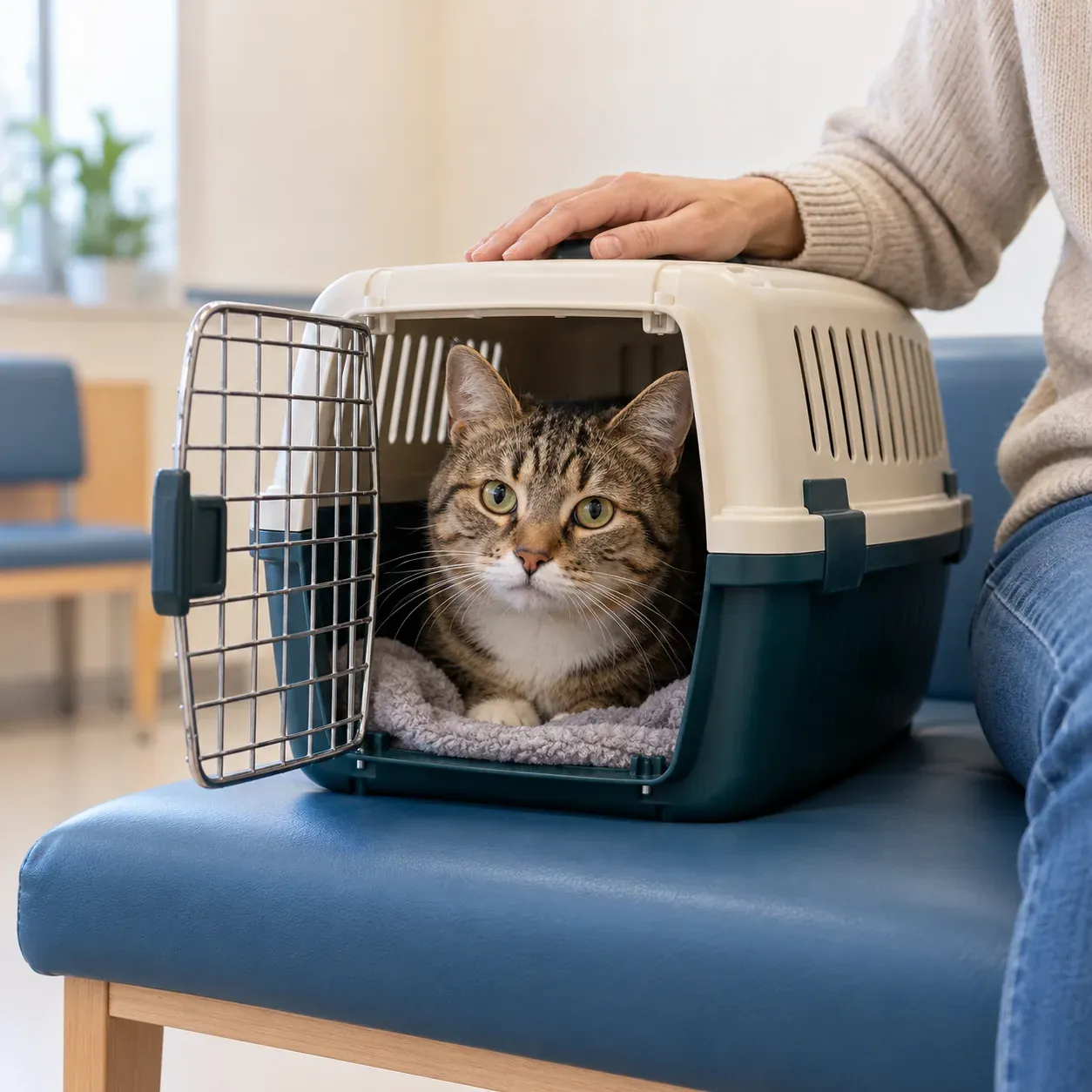
Book routine visits while your reception team is busy
Your receptionist handles appointment requests when forwarded calls reach it, collecting the reason for the visit and following your booking instructions. Your team receives the call details to review.
- Visit detailsCollect the owner's request before deciding the next reception step.
- Booking choiceUse Google Calendar or have your team return the request.
- Call recordReview the summary and transcript alongside the appointment details.
Show more
Booking on the call gives an owner a next step while your staff are helping someone at the desk. A request for a planned recheck can follow the booking instructions you provide. A question about whether an animal needs treatment follows your urgency rules instead.
You decide whether direct Google Calendar booking suits your clinic or whether staff should call back to arrange visits. The appointment and message workflow starts with the information you give the receptionist about your services and hours.
From the owner's request to a booking or callback
The call starts with virtual-assistant and recording notices, then your receptionist asks about the request. It uses your instructions to book in Google Calendar or collect a callback message.
- Clear greetingOwners hear the assistant identity and recording notice first.
- Useful questionsYour intake instructions guide the details collected for the visit.
- Next actionBook an appointment or send your team the callback request.
Show more
A pet owner can explain that they are calling about a recheck and answer the intake questions your clinic has supplied. Your receptionist uses your booking instructions or takes a message for staff to arrange the visit. It answers as your business and can conduct the conversation in English or Spanish.
After the call, your email and app push notification contain a summary, urgency tag, transcript and recording. Staff can review what the owner said before acting on the booking or returning the request.
Set the services and booking instructions you want used
You provide your clinic's services, hours, intake questions and booking preferences during onboarding. Choose Google Calendar booking or callback messages, then test the arrangement before forwarding clinic calls.
- Service scopeTell the receptionist which visits your clinic does and declines.
- Clinic instructionsSupply hours and the details staff need from appointment callers.
- Forwarding optionsSend busy, unanswered, after-hours or all calls to your receptionist.
Show more
Our onboarding chat asks about your clinic and learns from the website you provide. Explain which requests should become bookings and which your staff need to discuss first. Include your price policy so the receptionist uses the information you have approved when owners ask about fees.
You can change settings by telling the AI what to update in plain words. Make a test call using a routine visit request, then check the result with the staff who manage your schedule. Request a free appointment-handling trial and complete setup before forwarding calls.
Keep clinical decisions and practice records with your team
Your receptionist handles booking instructions and messages without diagnosing animals or advising on medication. Google Calendar is the booking destination; your team manages entries in its own practice system.
- Clinical questionsCollect the owner's concern for the appropriate staff response.
- Practice recordsStaff enter relevant call and booking details into their system.
- Urgent concernsApply your urgency instructions before treating a request as routine.
Show more
A caller asking for an appointment may also ask whether a symptom can wait. Your receptionist follows the urgency instructions you set and passes on the concern without making a clinical judgment. It does not recommend medication or doses.
For refills, it takes a request message for your team rather than authorizing medication. Direct practice-management connections are not live, so review the call summary and enter the relevant details yourself. If staff need to control appointment placement in that system, choose the callback workflow during setup.
Try a boarding request and a post-surgery question
The browser demo lets you hear an appointment conversation at a fictional clinic without signing up. Try a boarding booking, then ask a follow-up question to assess the intake.
- Start talkingOpen the browser demo and act as a pet owner.
- Change requestsCompare a boarding booking with a question after surgery.
- Assess fitListen for clear questions and a useful next step.
Show more
Use the booking conversation demo to hear how the receptionist responds when an owner explains what they need. The clinic in the demo is fictional, so the conversation demonstrates the approach rather than your own appointment policies. Try its boarding booking scenario and compare that with a post-surgery question.
After hearing the demo, request a free trial to supply your clinic's information during setup. Check a routine appointment request and a callback request during setup, then decide which forwarding option fits the way your reception team works.
Questions and answers
Can the receptionist book appointments during the call?
Yes, it can book appointments into Google Calendar using your clinic's instructions. If you want staff to arrange appointments themselves, it can collect the request for a callback instead. Choose the approach during onboarding and make a test call before forwarding your clinic number.
Does it write bookings into our practice-management system?
Direct practice-management connections are not live. Your receptionist can place bookings in Google Calendar or send the request details for staff to review. Your team enters the relevant information in its own system. Choose callback messages if staff need to make the booking there themselves.
Can it take a medication refill request?
Yes, your receptionist can take a refill request as a message for your team. It collects details under your intake instructions and sends the call summary for review. Your clinical staff decide how to handle the request; the receptionist does not authorize refills or advise on medication or dosing.
How will my staff see the appointment conversation?
Your team receives an email and app push notification with the summary, urgency tag, transcript and recording. These are also available in the dashboard for review. Staff can check what the owner asked before returning a call or adding relevant details to the clinic's records.
Can owners make a booking request in Spanish?
Yes, your receptionist speaks English and Spanish, and an owner can switch languages during the call. It follows the clinic information and intake instructions you provide. Try a Spanish conversation during setup and review the resulting message with the staff who will handle booking requests.
What happens when a booking caller asks a clinical question?
Your receptionist follows your urgency and routing instructions while collecting the owner's concern. It does not diagnose, recommend treatment or decide medication doses. Your team receives the details for the appropriate response, and urgent calls can follow the warm-transfer or paging order you set.
Hear an appointment request in the demo
Try a fictional booking conversation in your browser, then request a free trial. During your trial, set the appointment instructions your clinic wants followed.